
Many churches welcome outsiders, and that openness is part of their mission. A well-planned security camera system protects the church and its visitors. It helps keep children safe, deter theft and vandalism, document parking lot incidents, and lets your safety volunteers monitor the whole campus from one screen.
The most common mistake churches make is buying a box of Wi-Fi cameras from Sam’s or Costco and mounting them wherever an outlet happens to be. Good coverage starts with a plan for each area and a clear goal for what each camera needs to see.
Decide what each camera must do
Security designers describe camera goals in three levels of detail:
Observe — See general activity, such as how many people are in a hallway or whether a car is parked in a lot.
Recognize — Tell whether a person is someone you know.
Identify — Capture a face or license plate clearly enough to identify it beyond doubt.
Entrances: your most important cameras
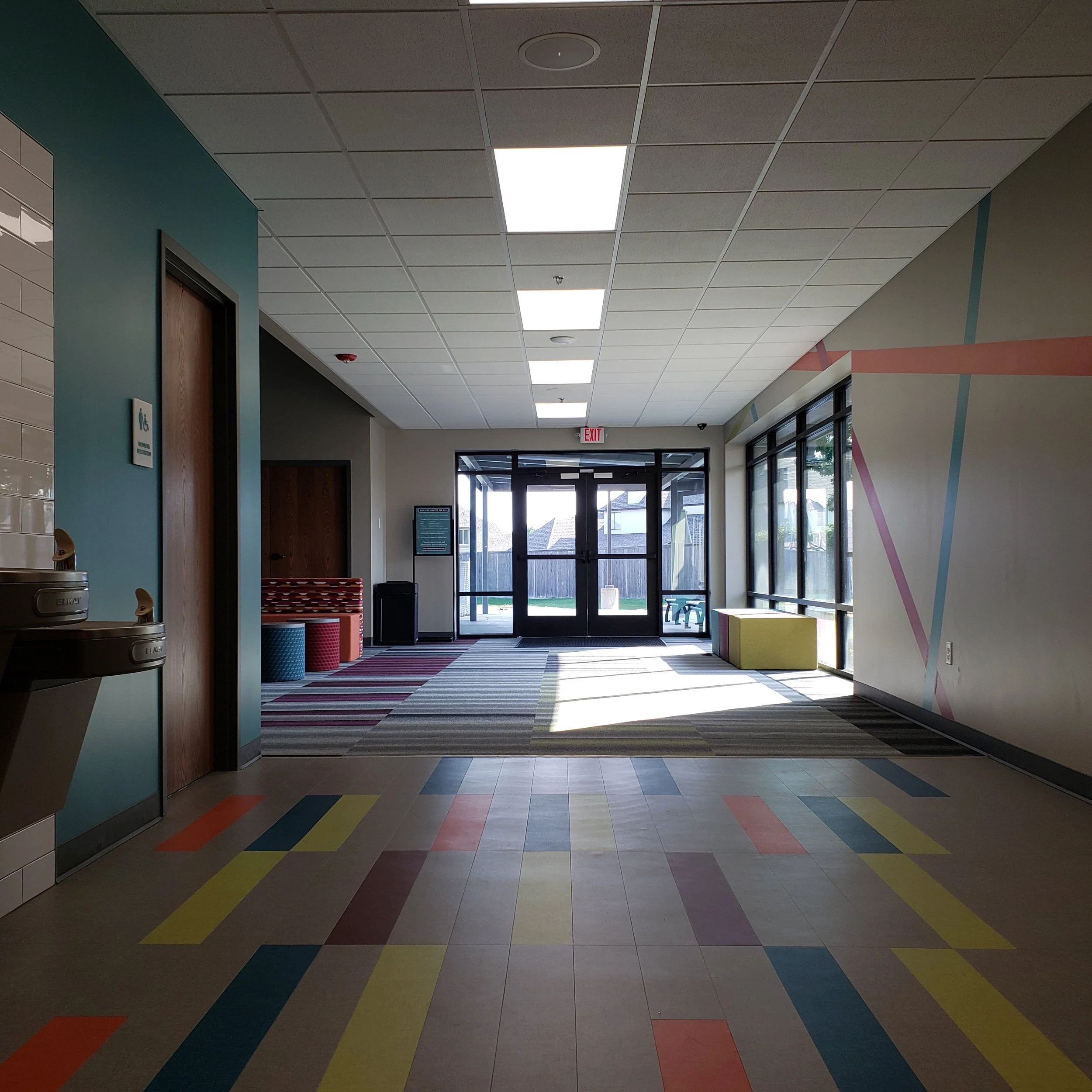
Everyone who enters the building passes through a door, making entrances the best place to capture clear faces. Identification requires far more pixels and AI tracking. Plan an identification camera at every entry point, and use static, wide-angle cameras for larger areas.
Mount cameras inside, facing the door, at roughly head height to slightly above, so faces aren't hidden under hat brims.
Choose cameras with wide dynamic range (WDR). Glass doors with bright daylight behind them silhouette faces on ordinary cameras.
Add a second, wider camera covering the vestibule or welcome area.
Don't forget side doors, kitchen and delivery entrances, and doors to office suites.
Parking lots and grounds
Parking areas are where most church property incidents happen: vehicle break-ins, catalytic converter theft, and fender benders.
Use a few high-resolution cameras or multi-sensor cameras for a wide overview of lots.
Place dedicated license plate cameras at each driveway entrance, where every vehicle passes slowly in a predictable spot.
We specify cameras with strong low-light and infrared performance for evening services, youth nights, and winter months.
Cover dumpsters, playgrounds, mechanical units, and outbuildings that are frequent targets after hours.
Nurseries and children's ministry
Children's areas deserve the most careful planning because parents trust you with what matters most.
Cover the check-in and check-out desk with an identification-quality camera. Pickup is a critical moment for child safety.
Cover hallways outside classrooms so you can see who enters each room.
Many churches place cameras inside classrooms and nurseries for both child protection and protection of volunteers. Pair this with door view windows and a two-adult policy.
Never place cameras in restrooms, diaper-changing areas, or any space where privacy is expected. Post clear notices that video monitoring is in use.
Consider giving children's ministry leaders a live view station so they can see every room from one place.
Sanctuaries and worship spaces
In the sanctuary, cameras serve the safety team during services and protect the room when it is empty.
Use overview cameras that see the entire seating area and the main aisles.
Cover the platform and the area where offerings are collected and counted, including the counting room.
Keep security cameras separate from livestream cameras. They serve different purposes and should run on different systems.
Coordinate with your lighting. Dim worship lighting challenges ordinary cameras, so choose low-light-rated models.
Recording, storage and networking
Cameras are only as useful as the footage you can find later.
Recorder and storage: A network video recorder (NVR) or video management system should retain at least 30 days of footage. We can set the system to record only when motion is detected to save drive space. Recording is typically set to “round robin” mode, so it overwrites the oldest files first. Drive size depends on the camera count, resolution, and recording schedule.
Network: Run cameras on a separate network or VLAN from the church office and guest Wi-Fi. Use managed PoE switches, such as Netgear's AV line, to power cameras over one cable.
Power protection: Put the recorder and switches on a battery backup. Power conditioning from American manufacturers such as SurgeX and Juice Goose protects the investment.
Remote access: Give staff and safety team leaders secure mobile viewing with individual logins, not a shared password.
Compliance: Choose NDAA-compliant cameras and recorders from reputable manufacturers with ongoing firmware support. Most inexpensive systems come from China. The top companies are majority-owned by the Chinese government. The U.S. government began restricting Chinese security and telecom hardware, passing the National Defense Authorization Act (NDAA) of 2019, which banned federal agencies from purchasing video surveillance and telecommunications equipment from companies like Hikvision, Dahua, Huawei, and ZTE. We have had customers with these systems held hostage by hackers.
Read this update to see whether you must stop using and remove your existing equipment: https://ictally.com/resources/blog/fcc-chinese-camera-import-ban-nashville
Build a policy, not just a system
Decide who can view live and recorded video, how to export footage for insurance or law enforcement requests, and how long to keep it. Train your safety team on the system, and test it monthly by pulling up a recent event to confirm cameras are recording and the image is still clear.
A professional plan protects your congregation
Advanced Sound & Communication designs and installs church security camera systems across the Kansas City area. We walk your campus, map coverage for every entrance, lot, nursery, and sanctuary, and build a system your staff and volunteers can actually use. Because we also design church audio, video, and lighting, we can coordinate cameras with your paging, livestream, and AV systems.
Ready to plan your church's camera coverage? Contact Advanced Sound & Communication at advancedsoundkc.com to schedule a campus security walkthrough.